


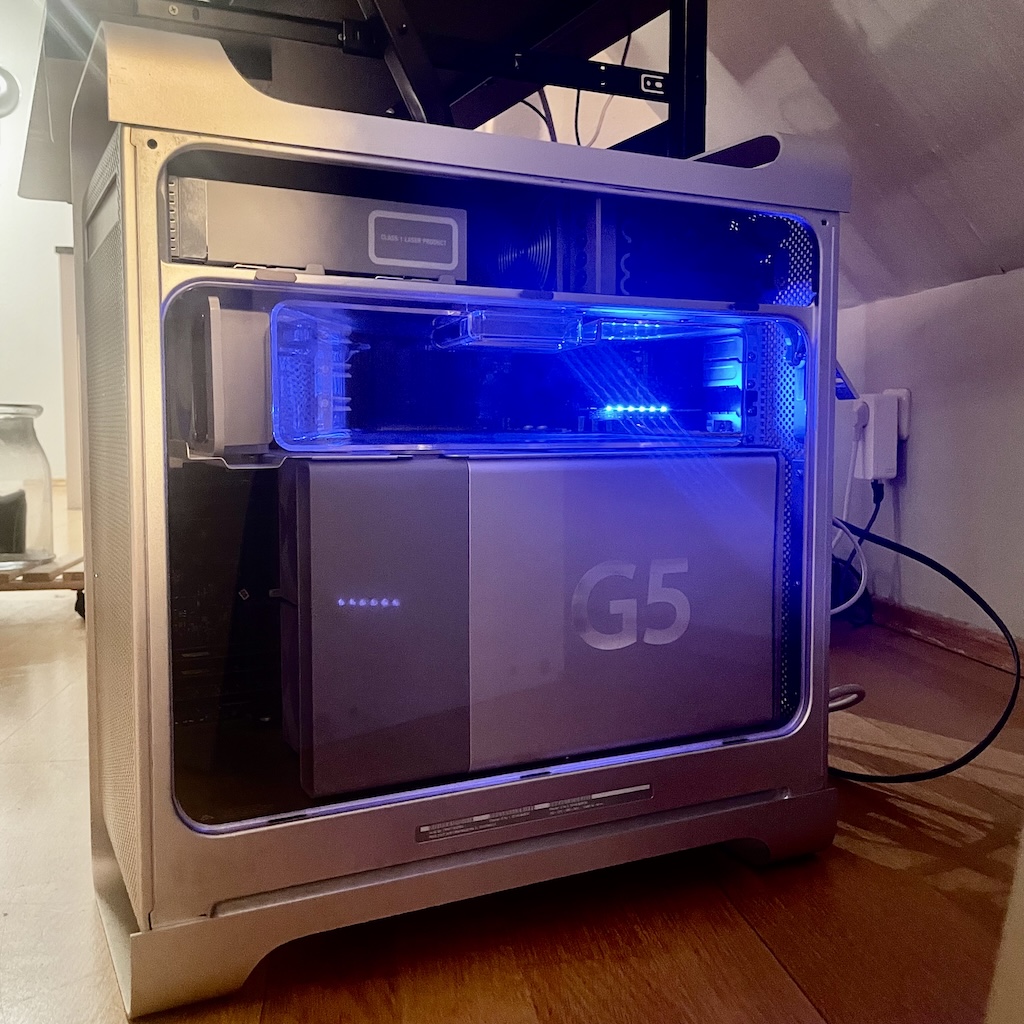
TerminalDrome is a lightweight Subsonic API-compatible music client for terminal environments, optimized for older hardware such as the PowerMac G5.
Now, we have a somehow Cover-Integration. It is downloading the cover, reverting to ASCII and showing it :-)

This is TerminalDrome:

We now have a HELP Screen. While in TerminalDrome, press SHift+H and the following Help-Screen appears!

We now have a Start Splash Screen <3 and I love it!

- Absolute pre-alpha!!!
- if search phrase is not a result, TerminalDrome crashes.
- Scrobbling to last.fm and listen.brainz works via Navidrome
- Track updates while playing. Once a song finishes, it automatically switches to the next one and updates the display accordingly.
- A basic full-text search is implemented: press the slash
/key to open the search window, enter a term, and the results will appear in the third pane. - Basic Help Screen via Shift+H Button.
- Splash Start Screen :-)
- nice Status Bar at the bottom
- Cover Art in the middle Pane, downloading the cover and converting it to ascii.
Benchmarking cargo build --release
| Powermac G5 | Mac mini M4 | arm V7 hf |
|---|---|---|
| real 11m0,929s | real 113,67s | real 20m18,682s |
| user 20m26,256s | user 8,30s | user 72m37,270s |
| sys 0m49,419s | system 17,416 | sys 1m30,860s |
-
Navidrome Integration
- Connects to your Navidrome server (HTTPS enforced)
- Supports all Subsonic API endpoints (Artists, Albums, Songs)
-
TUI (Terminal UI) with 3-column layout
- Artists → Albums → Songs
- Intuitive navigation using arrow keys
- Colored highlights (active songs, selection, status)
-
Music Playback
- MPV integration (runs silently in the background)
- Automatic transition to the next song (playlist mode)
- Play/pause with spacebar
- Progress bar and time display
-
Last.fm Scrobbling
- Automatically scrobbles at ~50% of the song duration
- Correct timestamps (Unix milliseconds)
- Avoids duplicates (via
current_scrobble_sentflag)
-
Persistence
- Saves last state (
state.json)- Current artist/album/song
- Scroll positions
- Now-playing index
- Stable MPV communication
- Unix socket for real-time updates (playlist position, time)
- Correct handling of playlist end
- Minimal status bar
- Displays current song + album/artist
- Clear error messages (e.g. for connection problems)
- Saves last state (
- Written in Rust (fast & safe)
- Async/await for non-blocking I/O
- Atomic operations for thread-safe state (MPV ↔ UI)
- TOML configuration (server URL, credentials)
- Search filtering in lists
- Shuffle/repeat modes
- Cover art (via Sixel or ASCII art)
- Theme support (color schemes)
| System | Arch | Status |
|---|---|---|
| PowerMac G5 | ppc64 | ✅ Tested |
| Raspberry Pi 4 | aarch64 | ✅ Tested |
| Modern Laptops | x86-64 | ✅ Tested |
| Mac mini M4 | arm64 | ✅ Tested |
| macOS 12.6 | arm64 | ✅ Tested |
- MPV (v0.34+ recommended)
- Rust toolchain (only if building from source)
| Distribution | Command |
|---|---|
| Ubuntu/Debian | sudo apt install mpv |
| Arch Linux/Manjaro | sudo pacman -S mpv |
| Fedora/RHEL | sudo dnf install mpv |
| openSUSE | sudo zypper install mpv |
| macOS (Homebrew) | brew install mpv |
| Void Linux | sudo xbps-install mpv |
git clone https://github.com/thafaker/termnavi.git TerminalDrome

cd TerminalDrome
#either
cargo run
# or
cargo build --release
After that, you need to setup your server config. Create a file named config.toml (vi config.toml or nano config.toml) in your home directory in .config/config.toml or for cargo run in your TerminalDrome directory and
# Linux/macOS
~/.config/terminaldrome/config.toml

# Windows
%APPDATA%\TerminalDrome\config.toml
edit the following specs:
[server]
url = "your navidrome server url"
username = "user"
password = "pass"

[player]
use_mpv = true
experimental_audio = false
Thats all. While in TerminalDrome Directory, simply cargo run and TerminalDrome should appear and shows your Navidrome Files. Have fun.

TerminalDrome ist ein schlanker Subsonic-API-kompatibler Musikclient für Terminal-Umgebungen, optimiert für ältere Hardware wie den PowerMac G5.

- absolute pre Alpha!!!
- Scrobbling zu last.fm und listen.brainz funktioniert über Navidrome
- Titel aktualisiert sich beim Spielen. Ist ein Song zu Ende wechselt er automatisch zum nächsten Song und zeigt dies auch an. Update Zeit und Song funktioniert.
- Wir haben eine ganz rudimentäre Volltextsuche implementiert: wenn man Slash / drückt, öffnet sich die Suche: hier gibt man etwas ein und im dritten Pane wird das Ergebnis angezeigt.
- Navidrome-Integration
- Verbindung zu deinem Navidrome-Server (HTTPS-erzwungen)
- Unterstützt alle Subsonic-API-Endpoints (Artists, Albums, Songs)
- TUI (Terminal UI) mit 3-Spalten-Design
- Artists → Albums → Songs
- Intuitive Navigation mit Pfeiltasten
- Farbige Hervorhebungen (aktive Songs, Auswahl, Status)
- Musikwiedergabe
- MPV-Integration (lautlos im Hintergrund)
- Automatischer Übergang zum nächsten Song (Playlist-Modus)
- Play/Pause mit Leertaste
- Fortschrittsbalken und Laufzeitanzeige
- Last.fm-Scrobbling
- Automatisches Scrobbeln bei ~50% der Songdauer
- Korrekte Zeitstempel (Unix-Millisekunden)
- Vermeidung von Duplikaten (via current_scrobble_sent-Flag)
- Persistenz
- Speichert den letzten Zustand (state.json):
- Aktueller Künstler/Album/Song
- Scroll-Positionen
- Now-Playing-Index
- Stabile MPV-Kommunikation
- Unix-Socket für Echtzeit-Updates (Playlist-Position, Zeit)
- Behandelt Playlist-Ende korrekt
- Minimalistische Statusleiste
- Anzeige des aktuellen Songs + Album/Artist
- Klare Fehlermeldungen (z. B. bei Verbindungsproblemen)
- Rust-basiert (schnell & sicher)
- Async/await für non-blocking I/O
- Atomic Operations für Thread-sicheren Status (MPV ↔ UI)
- TOML-Konfiguration (Server-URL, Credentials)
- Suche (Filterfunktion in Listen)
- Shuffle/Repeat-Modi
- Cover-Art (via Sixel oder ASCII-Art)
- Theme-Unterstützung (farbige Schemes)
| System | Arch | Status |
|---|---|---|
| PowerMac G5 | ppc64 | ✅ Stabil |
| Raspberry Pi 4 | aarch64 | ✅ Stabil |
| Moderne Laptops | x86-64 | ✅ Getestet |
| Mac mini M4 | arm64 | ✅ Getestet |
- MPV (mind. 0.34+)
- Rust Toolchain (nur für Eigenkompilierung)
| Distribution | Befehl |
|---|---|
| Ubuntu/Debian | sudo apt install mpv |
| Arch Linux/Manjaro | sudo pacman -S mpv |
| Fedora/RHEL | sudo dnf install mpv |
| openSUSE | sudo zypper install mpv |
| macOS (Homebrew) | brew install mpv |
| Void Linux | sudo xbps-install mpv |
git clone https://github.com/thafaker/termnavi.git TerminalDrome

cd TerminalDrome

cargo build --releaseLaden Sie vorkompilierte Versionen für Ihr System von den Releases: